Create your first project
Set up a project and add your first events.
Last updated 3 months ago
A project in Workback is a single production calendar — usually one campaign, shoot, or job. Here's how to set one up.
1. Create the project
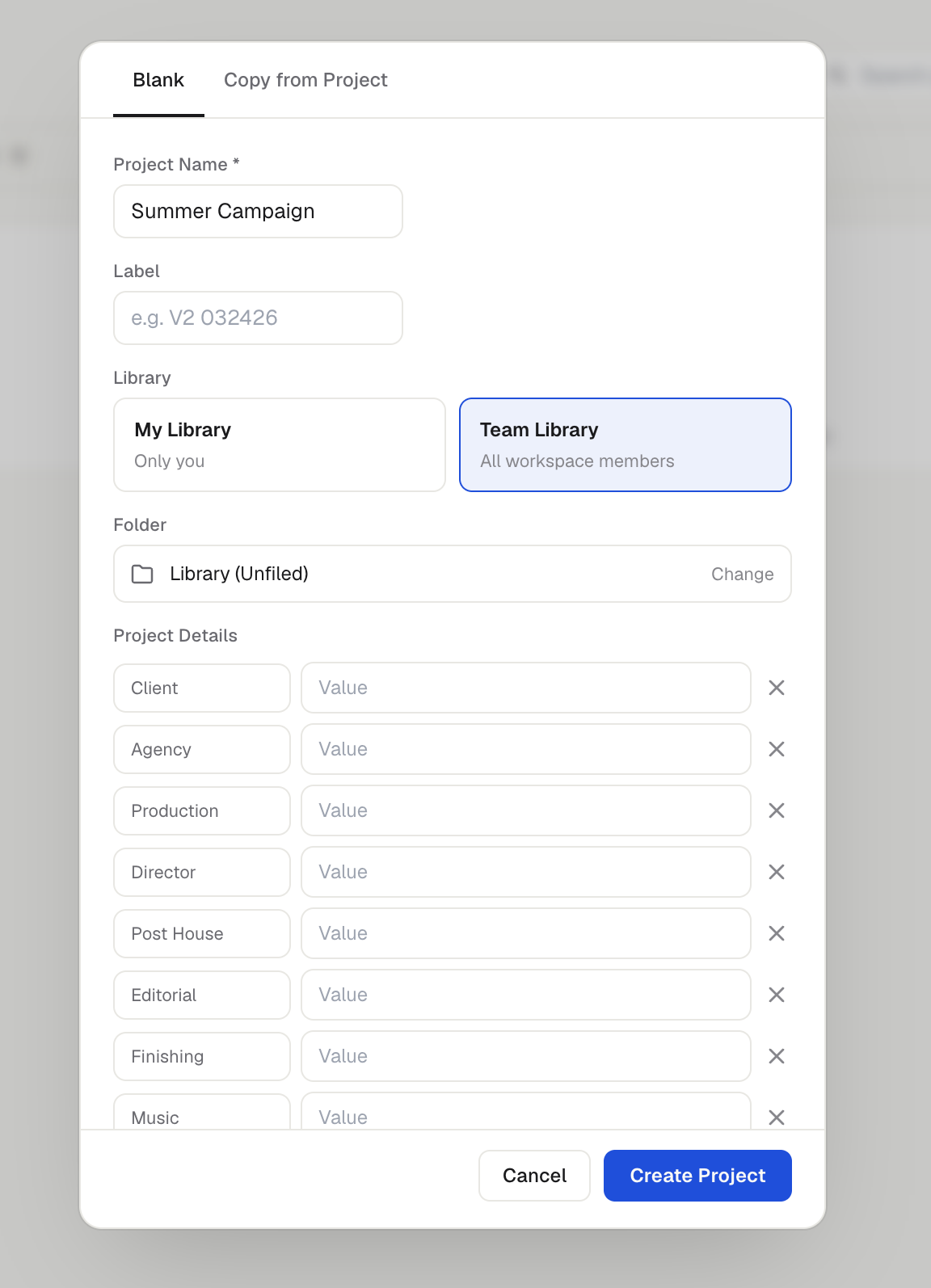
From your Library, click New Project.
Give it a name (for example, the campaign or client name).
Choose where it lives: My Library (just you) or Team Library (shared with your workspace). The Team Library is available on the Team plan.
Optionally, copy an existing project to reuse its structure.
2. Add events
On the calendar, double-click a day or drag across several days to create an event or note, then give it a title. Drag the ends of an event bar to change its dates, or drag the whole bar to move it.
3. Set up parties & stages
Open Project settings to define your parties (the companies or teams involved) and stages (the phases of the job). Events can then be color-coded by either, so the calendar reads at a glance.
4. Share or export
When you're ready, generate a read-only share link for clients, or export the calendar to PDF, PNG, or CSV.
Was this helpful?
Still need help? Ask the team