Parties and stages
Two flexible ways to label and color-code your events.
Last updated 4 months ago
Parties and stages are two independent labels you can put on every event. They were designed for production workflows, but they are fully customizable and can mean whatever you need on each project.
Parties
A party is who owns an event or is responsible for that milestone. For example, a first edit of a video might belong to the production or post-production company, while a round of feedback might belong to the agency or client. You can add as many parties as you like (director, agency, legal, compliance, and so on) and assign one to each event.
Stages
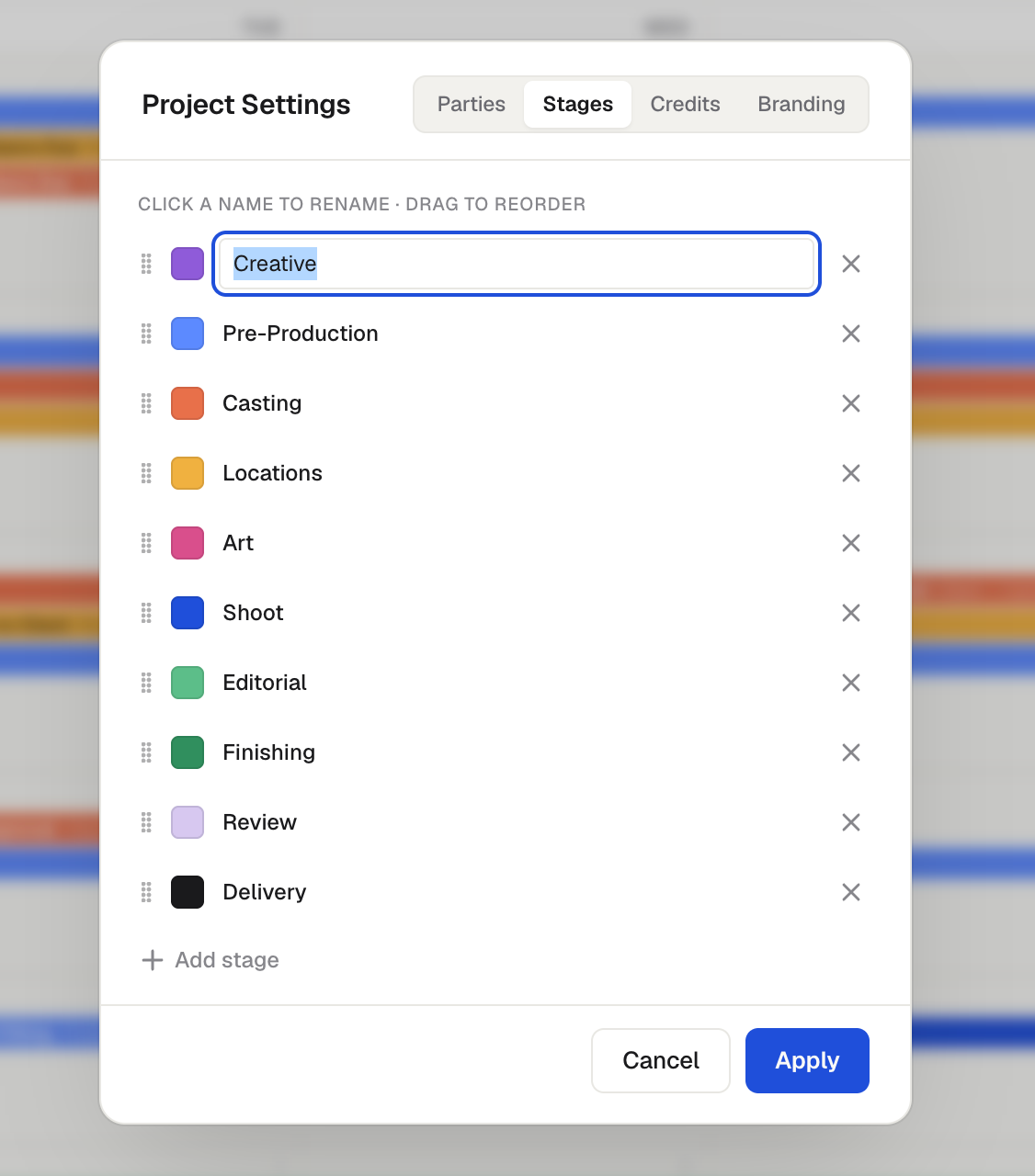
A stage groups your project into phases, such as casting, locations, art, shoot, editorial, and color. You do not have to use them that way. Some teams use stages to group events by deliverable, or to split a campaign into segments. Create as many custom stages as you need.
Editing them
Open the project's Settings (the gear) and use the Parties and Stages tabs to add, remove, rename, and reorder them. Click the color swatch to the left of a name to set its color. That color is what color-codes your events, depending on your Color by setting.
Was this helpful?
Still need help? Ask the team