Holidays on your calendar
Show public holidays, add regions, and skip them when rescheduling.
Last updated 3 months ago
Workback can overlay public holidays on your calendar, which is especially useful when you are planning around them.
Turn on holidays
Open View, find Holidays, and turn on Show. Public holidays then appear on the calendar.
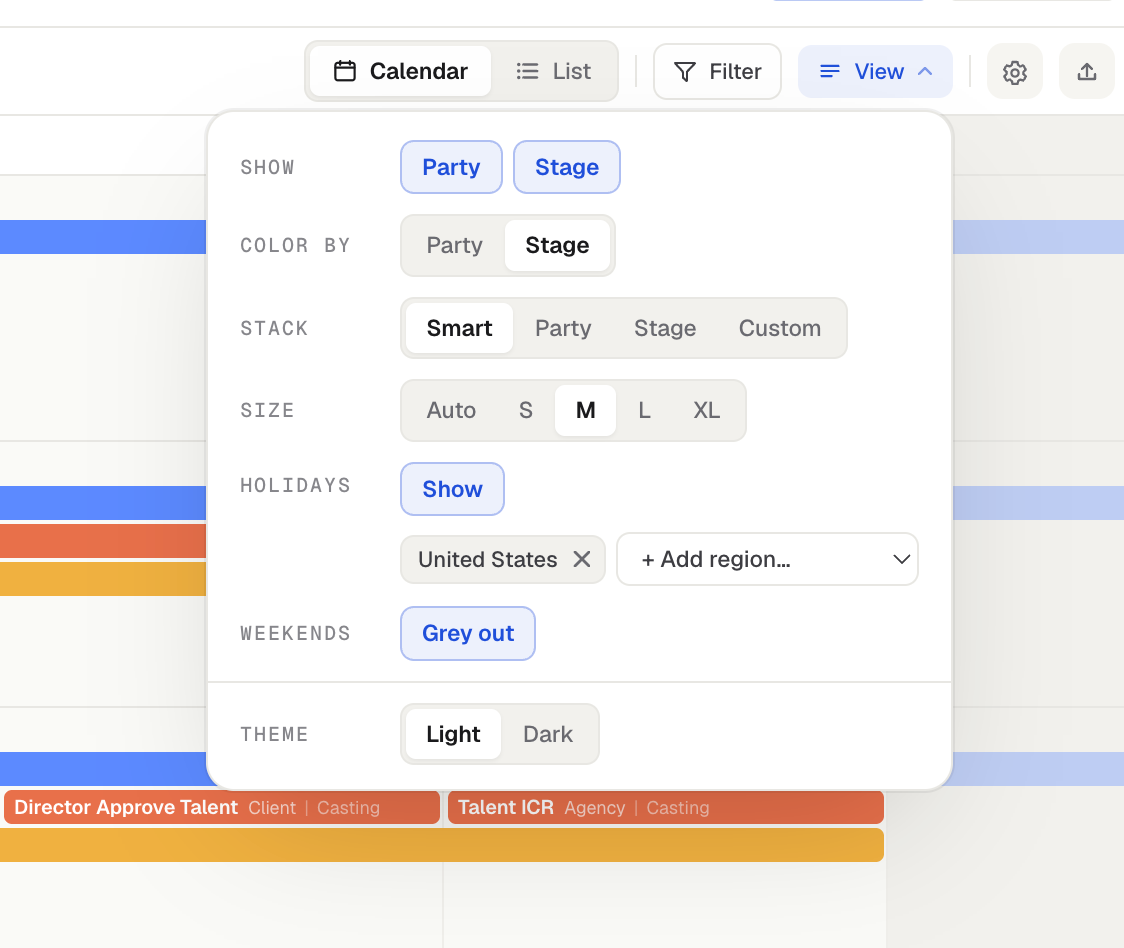
Choose and add regions
Pick a Region for the country whose holidays you want. You can add additional regions too. For example, if you are shooting in another country, add that country's holidays alongside your home country's so you can see everything in one place.
Skip holidays when rescheduling
When you Push or Pull events, you can turn on Skip holidays (and Skip weekends). Events with their own Skip weekends setting step over weekends on every push or pull automatically.
If a shifted event would land on a holiday or weekend, Workback moves it to the next available day that is not a holiday or weekend. Skip holidays only works when holidays are turned on in View options.
Was this helpful?
Still need help? Ask the team