Credits at the top of your calendar
The titled fields shown in the calendar header, like Director and Production.
Last updated 4 months ago
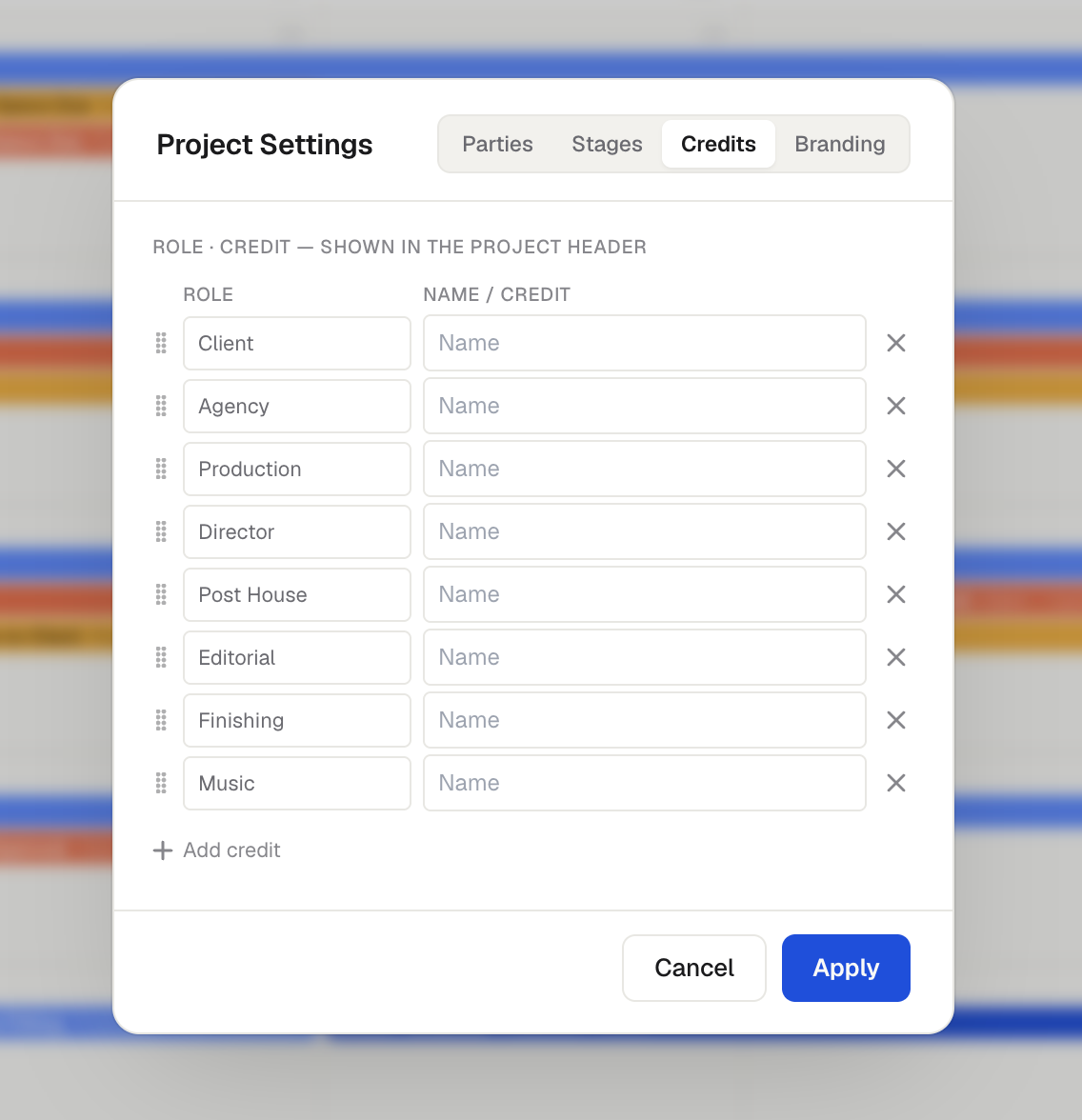
Credits are the titled fields shown at the top of a calendar, such as Client, Agency, Production, Director, and Post House. They give everyone reading the calendar the key project details at a glance.
Setting credits
You can fill in credits when you create a project (in the Project Details section), or any time afterward in the project's Settings on the Credits tab. Each credit is a Role paired with a Name / Credit value. Add, remove, rename, and reorder them however you want, and name them anything you like.
Showing and hiding them
Use the Show Details / Hide Details toggle in the project header to show or hide the credits row.
Credits and parties are separate
Credits and parties are not connected. Renaming the production company in your credits does not change the production party in your party settings, and the reverse is also true. This is intentional. You might want the full company name in the credits at the top, but a shorter version on the event bars for readability.
Was this helpful?
Still need help? Ask the team